01
Upload a portrait
A clear, well-lit, front-facing photo gives the best result.
Turn a selfie, a family portrait or a group photo into clean line art, ready to print and color.

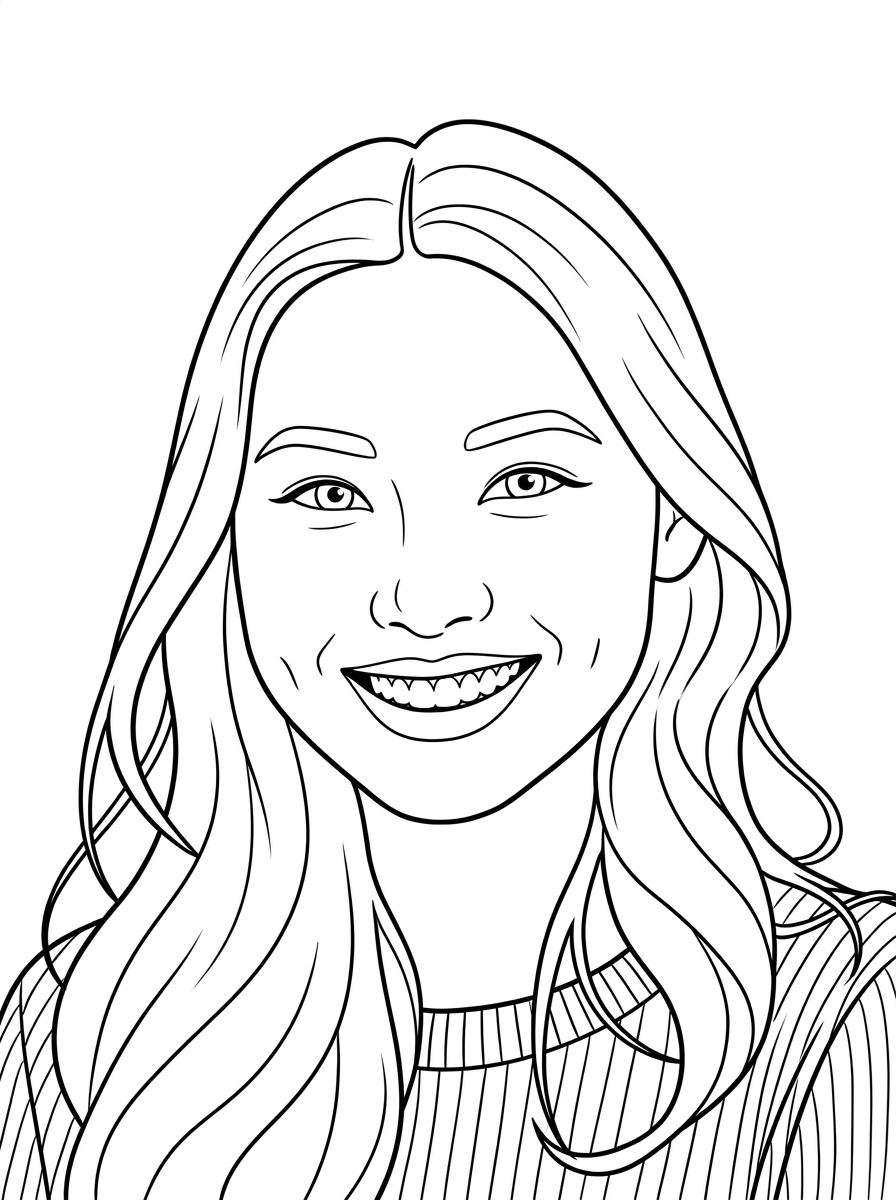
To make a portrait coloring page, upload a clear, front-facing photo to Colora, choose the Clean line style, and download the print-ready PNG. Faces and expressions stay recognizable, it's free, and it takes under a minute.
A portrait coloring page turns a favourite photo of someone you love into something you can sit down and color together.
Colora follows the contours of the face — the jawline, the smile, the shape of the hair — and redraws them as clean outlines. Selfies, couples, families and group shots all work, as long as the faces are clear in the frame.
It makes a thoughtful, personal gift: an anniversary keepsake, a kids' activity, or a quiet way to remember someone.
Faces and expressions follow your photo, so the person stays recognizable.
Phone photos and selfies translate cleanly — no studio shot needed.
Full A4 or US Letter PNG — frame it or fold it into a card.
A clear, well-lit, front-facing photo gives the best result.
Clean for portraits, Detailed for hair and fabric texture.
Download the high-res PNG, print on A4 or US Letter, grab the pencils.
Crisp, even outlines. The all-rounder — works for faces, pets, places and props.
Finer line work and more interior detail. Made for slow, meditative coloring sessions.
Bold, thick outlines and simplified shapes. Easy to fill in with crayons or chunky markers.
Turn a favourite selfie into a personal coloring page.
A keepsake the whole family can color together.
A couple's portrait makes a heartfelt present.
A gentle, personal way to remember someone.
Got a photo ready? Open the Colora studio and generate your first page in under a minute.
Small choices in your source photo make a big difference in the final coloring page.
Front or window light keeps facial features in the outline.
Crop so the face is large and clear — small faces lose detail.
Beauty modes and strong filters can soften the likeness.
A straight-on photo keeps features balanced and clear.
Detailed adds texture to hair and clothing for adult coloring.
A growing library of ready-made, print-ready coloring pages — animals, nature, vehicles and seasonal themes. Free to download.
The fastest way to turn any photo into a printable page.
The step-by-step guide, from photo to printed page.
Dogs, cats and every furry friend, drawn from your photo.
Every breed, drawn from your own dog's photo.
Curled up or mid-pounce — your cat as line art.
Bold, simple outlines made for little hands.
Still curious? Try Colora free — one creation is free to try, with print-ready A4 or US Letter PNGs.
Free, instant and print-ready. Upload a selfie or family photo to start.
Open the studio