01
Upload your pet photo
Drag a clear, well-lit photo into the studio. Camera-roll friendly.
Upload a photo of your dog, cat or any furry friend. Colora draws crisp black-and-white outlines, ready to print and color.
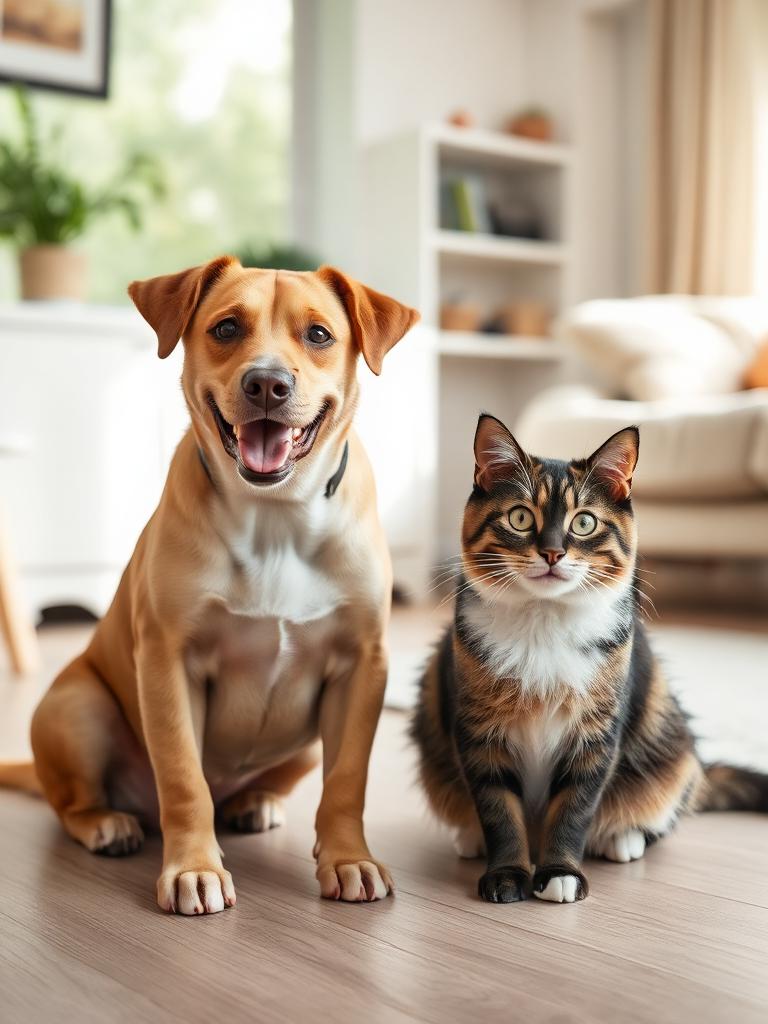
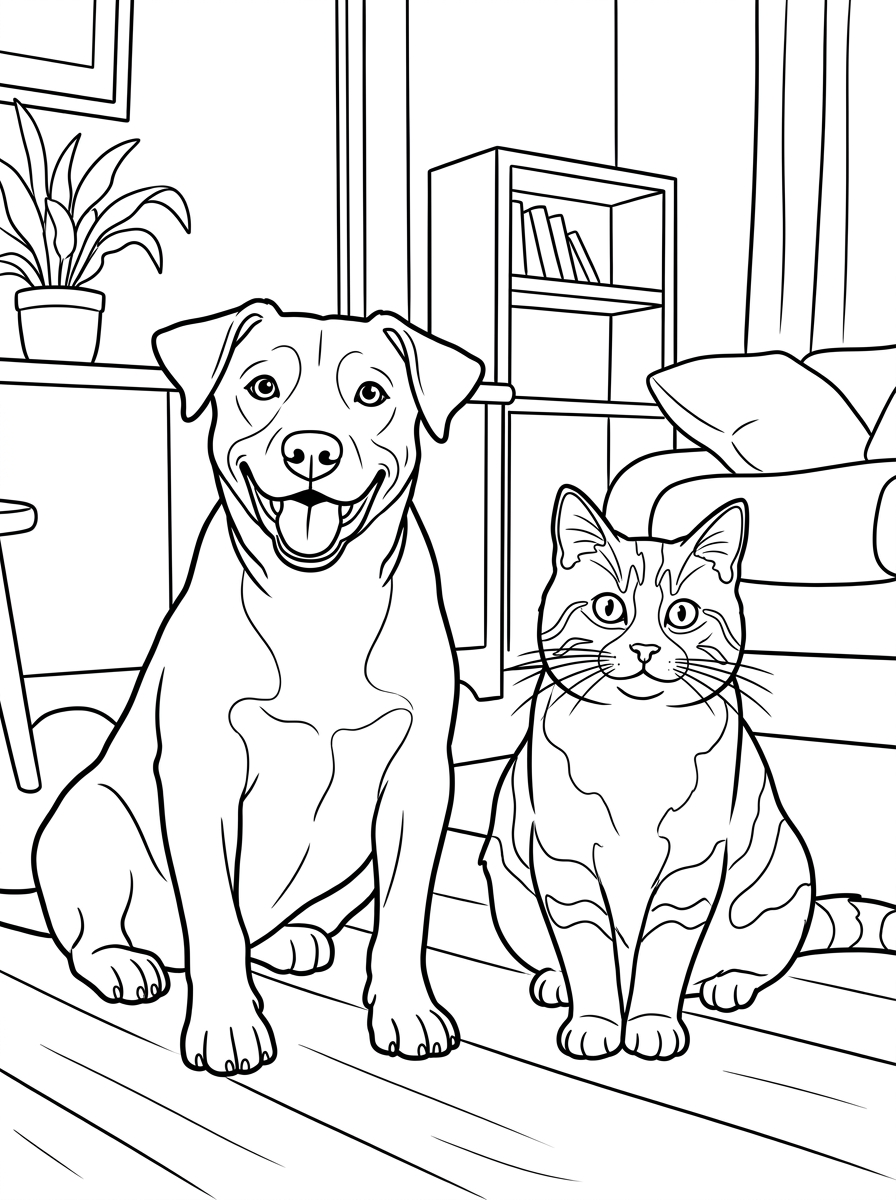
There's something about a pet on paper. The cocked head, the lazy stretch, the look they give you when they think dinner is late — Colora translates those exact moments into clean outlines you can print and color in.
Any pet works. Dogs and cats are the most common, but Colora draws horses, rabbits, birds, lizards and the occasional alpaca just as cleanly. As long as your pet is recognisable in the photo, they'll be recognisable on the page.
The result is a personal, hand-coloured keepsake — a birthday card, a fridge piece, a gift for the grandparents, or a quiet memorial when a pet has passed.
From terriers to tortoises — if it has a silhouette, Colora can draw it.
Markings, poses and proportions follow your photo, so your pet still looks like your pet.
Full A4 or US Letter PNG — staple it into a card or frame the finished page.
Drag a clear, well-lit photo into the studio. Camera-roll friendly.
Kid-friendly thick lines, clean classic outlines or detailed line art.
Download the high-res PNG, print on A4 or US Letter, hand out the pencils.
Crisp, even outlines. The all-rounder — works for faces, pets, places and props.
Finer line work and more interior detail. Made for slow, meditative coloring sessions.
Bold, thick outlines and simplified shapes. Easy to fill in with crayons or chunky markers.
From puppies to seniors — every breed translates into clean linework.
Curled up, mid-pounce or grumpy face — they all become great pages.
A coloring page of someone's pet makes a memorable, personal card.
A gentle way to remember a pet — a page to color and keep.
Got a photo ready? Open the Colora studio and generate your first page in under a minute.
Small choices in your source photo make a big difference in the final coloring page.
Take the photo at your pet's eye-line, not from above. The page feels more like a portrait and less like a top-down snapshot.
A blurry pet becomes a blurry outline. Catch them napping, sitting or staring at a treat for the cleanest result.
Window light hitting the face beats backlight every time. Backlit silhouettes lose facial features in the outline.
A plain floor, a tidy sofa or the garden lawn keeps the focus on your pet. Cluttered backgrounds turn into noisy line art.
Long fur, manes and feathers shine in the Detailed style — Clean is better for short-haired pets.
Everything plays nicely with what you already have at home.
Plain 80–120 gsm copy paper for pencils; 160 gsm cardstock if you're using markers or planning to frame it.
The forgiving choice for fur and gradients. Layer light over dark for depth.
Color in dry, then brush over with a wet brush — fur turns soft and painterly.
Bold and saturated for bright pets, parrots and reptiles. Use alcohol markers on cardstock for the cleanest result.
A finished pet page fits a standard A4 or 8.5×11 frame. A simple white mat and the page is instantly giftable.
A growing library of ready-made, print-ready coloring pages — animals, nature, vehicles and seasonal themes. Free to download.
The fastest way to turn any photo into a printable page.
The step-by-step guide, from photo to printed page.
Every breed, drawn from your own dog's photo.
Curled up or mid-pounce — your cat as line art.
Bold, simple outlines made for little hands.
Selfies and family photos as clean portraits.
Still curious? Try Colora free — one creation is free to try, with print-ready A4 or US Letter PNGs.
Free, instant, print-ready. Just upload a photo and Colora handles the rest.
Open the studio