Photo to printable

Your photos,
ready for color.

Colora turns your favorite moments into hand-crafted coloring pages — made for birthday parties, quiet evenings and the fridge gallery. Drop a picture, then colora.
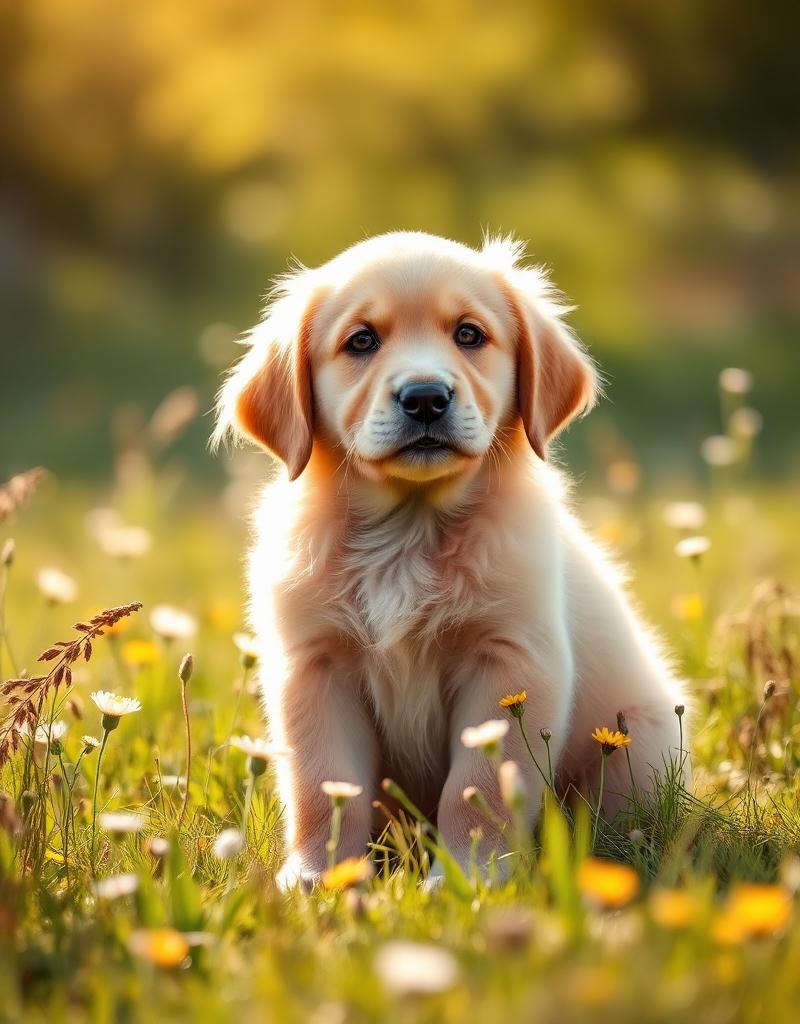
Golden retriever puppy in a meadowBefore
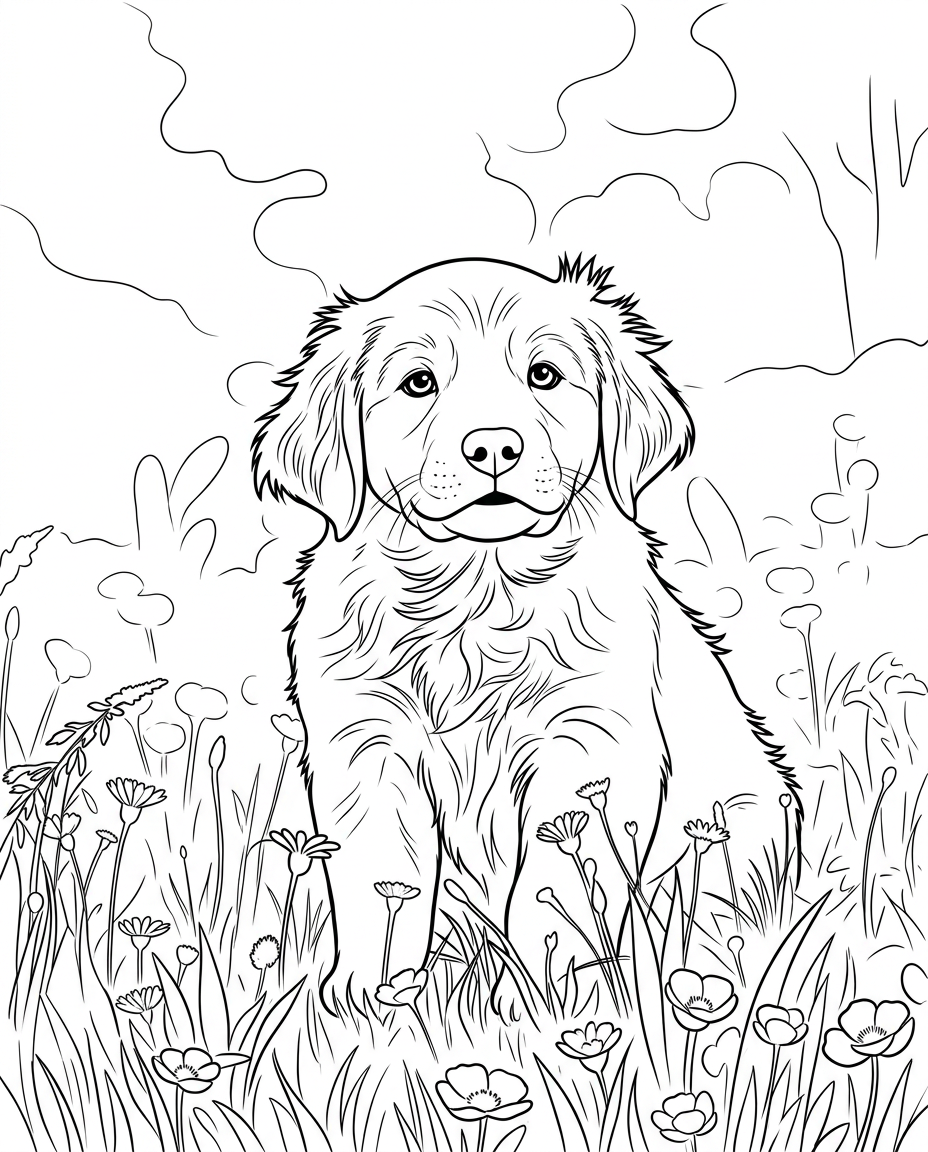
Coloring page version of the puppySketch
PhotoColoring page

Print

High-res

01 — The studio

Print size
Drop a picture to begin.

02 — How it works

Three steps. Zero fuss.

01

Drop a picture

A photo, a doodle, a pet. Colora reads them all.

02

Hit Transform

We translate the shapes into clean, lovely outlines.

03

Print & color

Download a PNG. Then grab the pencils.

03 — Guides

More ways to use Colora.

Turn any photo into a printable coloring page

A coloring page generator turns a photo you already love into clean black-and-white line art you can print and color in. Instead of hunting for generic printables, you start from your own dog, your child, a holiday snap or a favourite toy — and get a page that actually means something.

Colora reads the shapes, edges and contours in your picture and redraws them as crisp outlines. There are no prompts to write and nothing to install: drop a photo into the studio above, pick a line style, and download a print-ready page in under a minute.

Every page exports as a high-resolution PNG sized for A4 or US Letter, so it prints sharp on any home printer. It is free to try, works in any modern browser, and the pages you make from your own photos are yours to print, color and share.

Why turn a photo into a coloring page?

Ready-made coloring books are fine, but they are the same for everyone. A page made from your own photo carries a memory — the family dog, a grandparent, the birthday cake, the view from a holiday. Colouring it in becomes a small act of attention rather than a way to pass time, and the finished sheet is worth keeping or framing.

For children, a familiar subject pulls them in faster and holds their focus longer than a stock cartoon. For adults, detailed line art from a real photograph offers the same slow, meditative pull as an adult colouring book, with a subject that means something to you.

How Colora converts a photo to line art

Rather than asking you to describe a picture in words, Colora works directly from the photo you upload. It traces the strongest edges and contours in the image and redraws them as clean, connected outlines, dropping the colour and shading so you are left with a true coloring page rather than a faded grey print of the original.

You choose the level of detail. The Clean style keeps the main shapes and a few defining lines for an everyday page; Detailed keeps finer contours and texture for absorbing adult colouring; Kids simplifies down to bold, well-spaced outlines that little hands can fill without frustration.

Printing, paper and ink

Each page is exported as a high-resolution PNG sized for A4 (2480 × 3508 px) or US Letter (2550 × 3300 px), which prints crisp on any home or office printer without pixelation. For everyday colouring, standard 80–100 gsm printer paper is fine; if you plan to use markers or watercolour pencils, heavier 120 gsm+ stock stops bleed-through.

Print in black and white to save colour ink, set your printer to 'fit to page' so nothing is clipped at the margins, and run a small test batch before printing a whole class set. Because the export is a standard image file, you can also drop it into a document and print several pages to a sheet for smaller activity cards.

From your photos

Start from a picture you love — the result still looks like your subject.

Three line styles

Clean for everyday, Detailed for adult coloring, Kids for bold simple outlines.

Print-ready

High-resolution PNG sized for A4 and US Letter, crisp on any home printer.

Best for

Parents

Personal rainy-day activities and party packs made from family photos.

Teachers

Print a stack of pages for the whole class in a couple of minutes.

Gifts

A hand-coloured keepsake from a shared photo — birthdays, memorials, thank-yous.

Adult coloring

Detailed line art for slow, meditative colouring sessions.

Field notes

Tips for the best results

Small choices in your source photo make a big difference in the printed result.

  1. 01

    Use a well-lit photo

    Soft, even daylight gives the cleanest outlines. Avoid harsh shadows and heavy backlight.

  2. 02

    Fill the frame

    Get close so your subject fills most of the photo — small subjects lose detail.

  3. 03

    Pick the right style

    Kids for little hands, Clean for an all-rounder, Detailed for grown-up colouring.

Frequently asked questions

Is the coloring page generator free?
Yes. You can drop in a photo and create a coloring page without an account. Sign in to save your gallery across devices.
What photos work best?
Clear, well-lit photos with a recognizable subject work best — pets, people, landscapes, vehicles or favorite toys. Colora supports JPG, PNG, WebP and GIF up to 8 MB.
Are the coloring pages print-ready?
Yes. Every page is exported as a high-resolution PNG sized for A4 (2480 × 3508 px) or US Letter (2550 × 3300 px), so it prints crisp on standard home printers.
Can I use the coloring pages I create?
Yes — pages you create from your own photos are yours to print, color and share with friends and family.

From snapshot to keepsake

The best coloring pages are the ones people actually want to finish, and personal subjects beat generic ones every time. Start with a clear, well-lit photo of a single subject, pick the style that matches who is colouring, and you have a page that is genuinely yours.

Once you have made one, the same studio handles pets, portraits, landscapes and party packs — so a single photo can become a birthday activity, a thank-you gift or a quiet evening for yourself.

Keep exploring

Your next coloring page is one photo away.

Drop in a picture and let Colora do the drawing — free, print-ready, no account needed.

Open the studio