01
Drop your photo
Drag a JPG, PNG, WebP or GIF into the studio. Up to 8 MB.
Drop in a photo and Colora draws clean black-and-white outlines you can print and color — in under a minute — free to try.
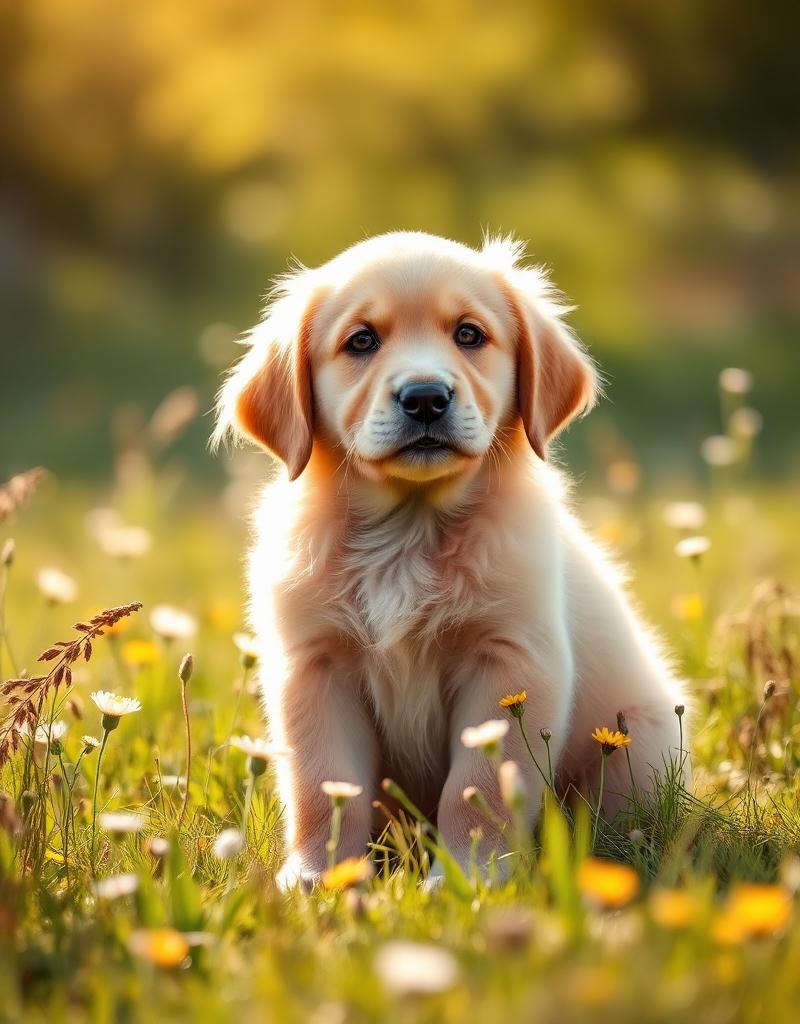
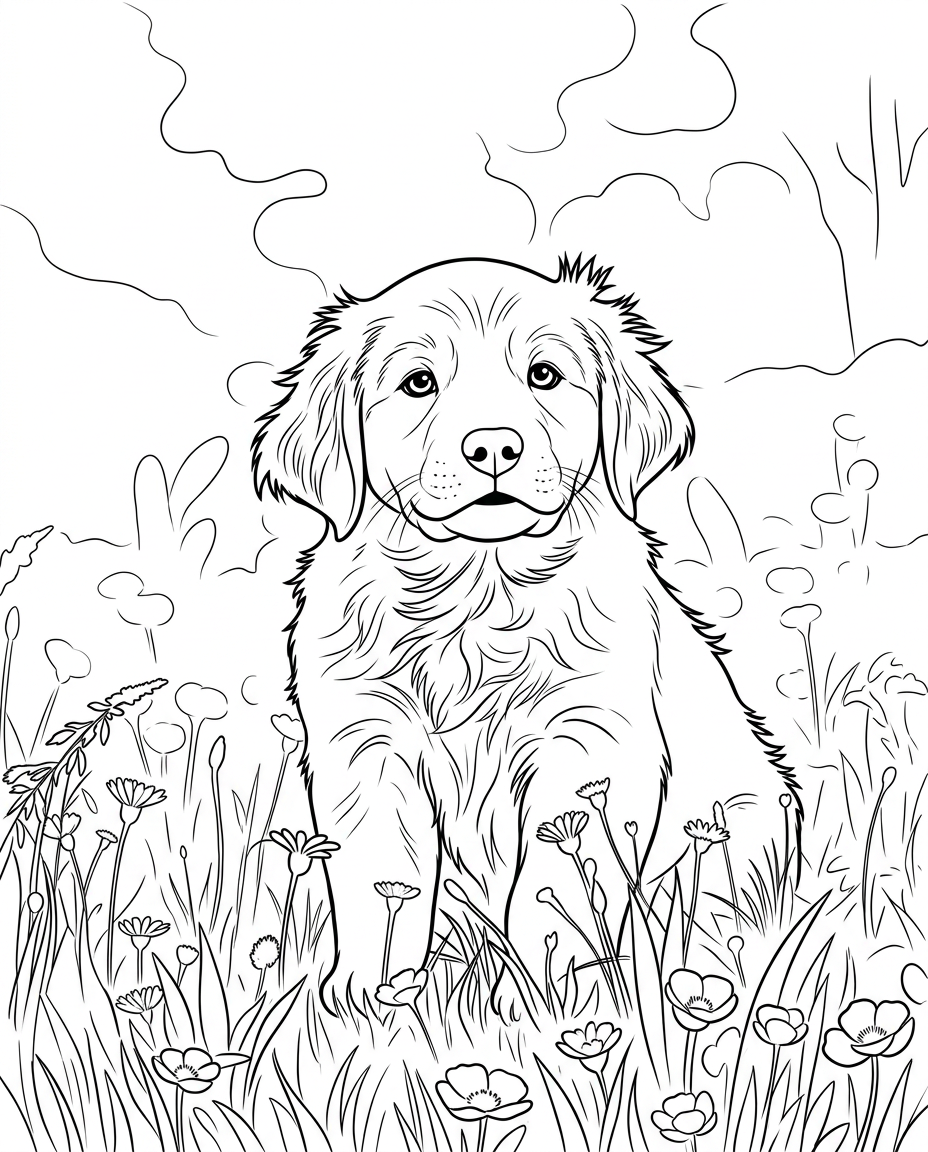
Every photo holds a coloring page inside it. Colora finds the contours that matter — the curve of a jaw, the arch of a roofline, the soft edge of a sleeping cat — and translates them into clean black-and-white outlines that print sharp on plain paper.
There are no prompts to engineer and no settings to wrestle. Drop a photo, pick a line style and a paper size, and a print-ready PNG drops out the other side. It's the calmest way to make something personal to color in.
Use it on phone snapshots, family portraits, travel photos or your kids' favourite stuffed animal. As long as the subject is recognisable in the photo, it will be recognisable on the page.
Drop a photo and go. No prompt engineering, no model picker, no settings menu.
Make one creation free without an account, then sign in for 3 free credits.
Every page exports at full A4 or US Letter resolution — crisp on any home printer.
Drag a JPG, PNG, WebP or GIF into the studio. Up to 8 MB.
Clean, detailed or kid-friendly. A4 or US Letter.
Download a high-res PNG. Print on standard paper, grab the pencils.
Crisp, even outlines. The all-rounder — works for faces, pets, places and props.
Finer line work and more interior detail. Made for slow, meditative coloring sessions.
Bold, thick outlines and simplified shapes. Easy to fill in with crayons or chunky markers.
Turn a favorite portrait into a keepsake everyone can color in together.
Cityscapes, beaches and landmarks become calming coloring sheets.
Trace doodles into clean outlines kids can fill back in.
Generate a whole stack of unique pages without subscriptions.
Got a photo ready? Open the Colora studio and generate your first page in under a minute.
Small choices in your source photo make a big difference in the final coloring page.
Crop close so your subject takes up most of the photo. Tiny faces in the corner translate into tiny details on the page.
Diffused daylight gives clean contours. Hard midday shadows can turn into noisy blobs in the outline.
A busy background competes with your subject. A wall, a sky or a plain rug helps the outline focus where it matters.
Skip heavy filters, motion blur and Bokeh-heavy portraits. The clearer the edges, the cleaner the line art.
Kids for crayon-friendly thick lines, Clean for most people, Detailed for adult coloring books and gel pens.
If the first result isn't quite right, try a different style or a tighter crop — every run is fast and free.
Everything plays nicely with what you already have at home.
Plain 80–120 gsm copy paper works perfectly. For markers, step up to 160 gsm or light cardstock to prevent bleed-through.
Coloured pencils are forgiving and great for blending. Watercolour pencils give a soft painted look once you add water.
Bright and bold. Use alcohol-based markers on cardstock; water-based felt-tips on regular paper.
The kid-friendly classic. Pair with the Kids line style so little hands have room to work.
Add ink details after coloring for a graphic-novel feel. Pairs especially well with the Detailed style.
Print at 100% scale, Black & White, High quality. A4 or US Letter both work — Colora exports for both.
A growing library of ready-made, print-ready coloring pages — animals, nature, vehicles and seasonal themes. Free to download.
The step-by-step guide, from photo to printed page.
Dogs, cats and every furry friend, drawn from your photo.
Every breed, drawn from your own dog's photo.
Curled up or mid-pounce — your cat as line art.
Bold, simple outlines made for little hands.
Selfies and family photos as clean portraits.
Still curious? Try Colora free — one creation is free to try, with print-ready A4 or US Letter PNGs.
No installs, no watermark. Just a photo in — coloring page out.
Open the studio