Seated cat
64 dots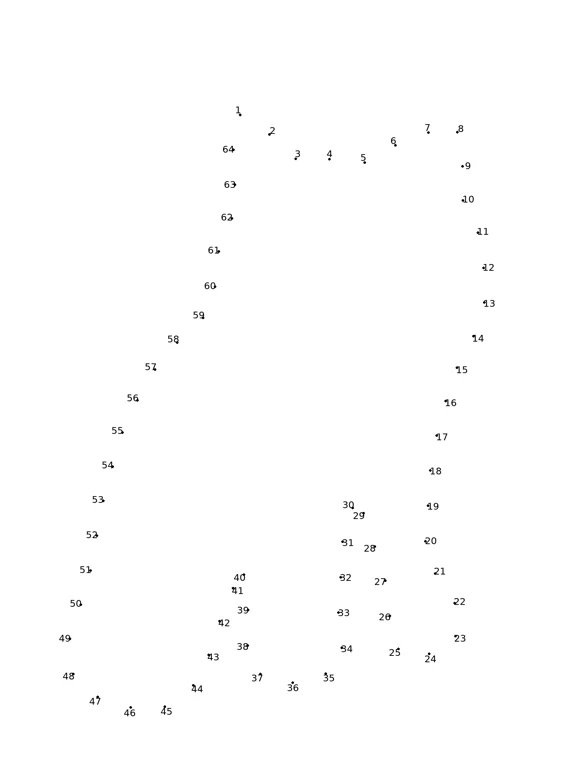
A curated 64-dot cat silhouette for confident two-digit counters.
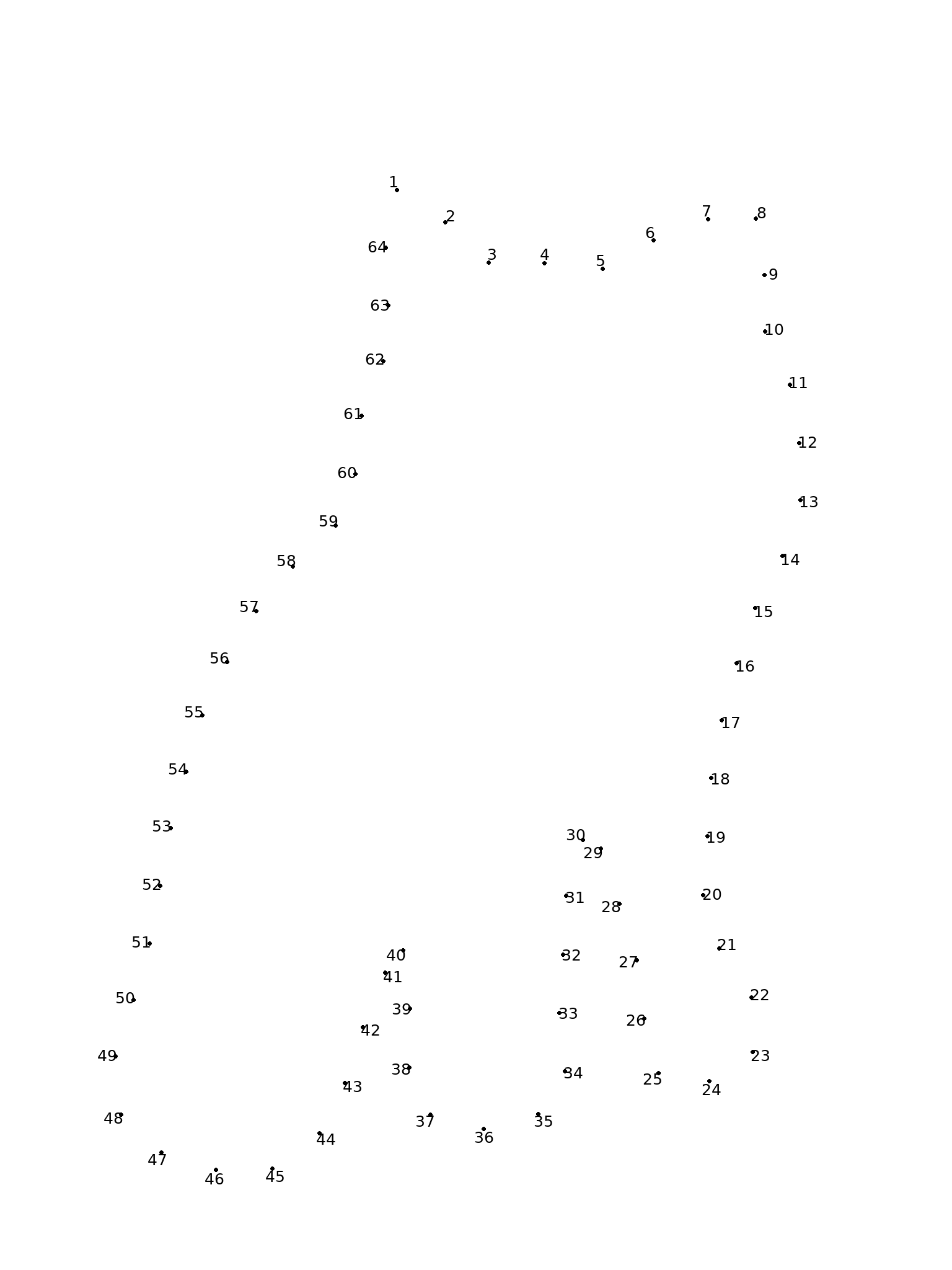
Two PDF pages: puzzle first, answer second. Connect 1–64, then join 64 back to 1.
2 free worksheets · PDF + PNG · Answers included
Choose a connect the dots printable, download its PDF, and reveal the picture one number at a time. Both worksheets are free, with no account or credits needed.
A curated 64-dot cat silhouette for confident two-digit counters.
Two PDF pages: puzzle first, answer second. Connect 1–64, then join 64 back to 1.
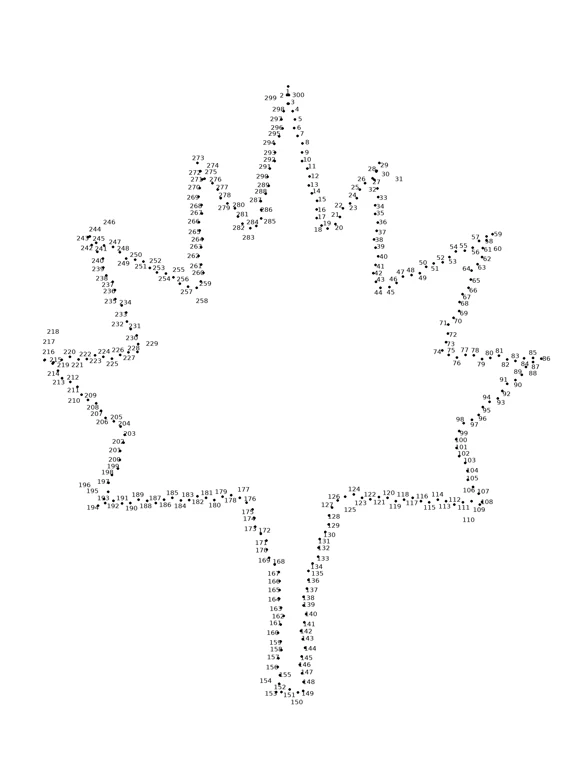
A hand-crafted 300-dot maple leaf for an extreme dot-to-dot challenge, separate from the studio’s 64-dot Hard setting.
Two PDF pages: puzzle first, answer second. Connect 1–300, then join 300 back to 1.
Choose the 64-dot cat or the 300-dot maple leaf according to the counting range you want.
Download A4 or US Letter to match the paper in your printer. Each PDF contains two pages: puzzle and solution.
Print page 1 in portrait orientation, black and white, at actual size. Keep page 2 as the solution.
Start at 1 and join each consecutive number. Connect the last dot back to 1 to close the outline, then check the solution.
Yes. The two ready-made worksheets on this page are free to download without an account or credits. Each PDF contains a numbered puzzle and a separate solution page.
Choose the cat or maple leaf, then select A4 PDF or US Letter PDF below its preview. Open the downloaded PDF and print the puzzle page. Keep the second page as the answer key.
The seated cat has 64 dots. The hand-crafted maple leaf has 300 dots for an extreme challenge. These are curated examples, not live generation results. Colora’s personal photo generator supports 22, 38 or 64 dots; it does not currently generate 300-dot puzzles.
Choose the 64-dot cat for someone comfortable counting to 64. The 300-dot leaf suits confident counters who enjoy a longer challenge. Dot count and number readability matter more than a fixed age label; neither sheet is an early counting worksheet.
Yes. Both names describe a puzzle where you draw lines between numbered dots in order to reveal a picture. On these worksheets, connect the final number back to 1 to close the outline.
Yes. Each worksheet also has a high-resolution PNG download. The A4 and US Letter PDFs are the simplest option for printing because their page sizes are already set and both include a solution.
Select the PDF matching your paper size, print in portrait orientation in black and white, and use actual size or 100% scale. Check the preview before printing so no numbers fall outside the printable area.
Yes. Use Colora’s connect-the-dots generator to make a personal 22-, 38- or 64-dot puzzle with a matching solution. Make one creation free without an account, then sign in for 3 free credits. Every creation — coloring page, spot-the-difference or connect-the-dots — costs 1 credit. Credits are a one-off purchase, never a subscription, and they never expire.
The downloads above are free ready-made examples. For a personal photo puzzle, choose 22, 38 or 64 dots in the generator. Make one creation free without an account, then sign in for 3 free credits.