01
Drop your photo
Drag a JPG, PNG, WebP or GIF into the Colora studio, or click to browse. Up to 8 MB.
A complete, beginner-friendly walkthrough — from choosing the right photo to printing the finished page.
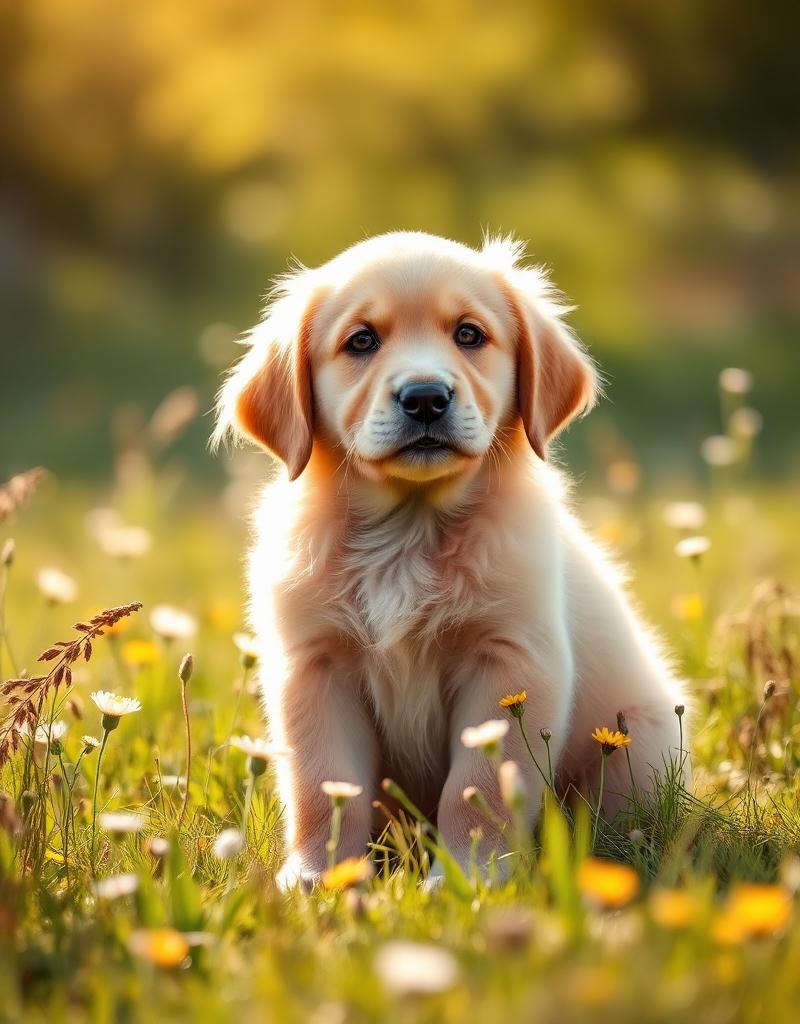
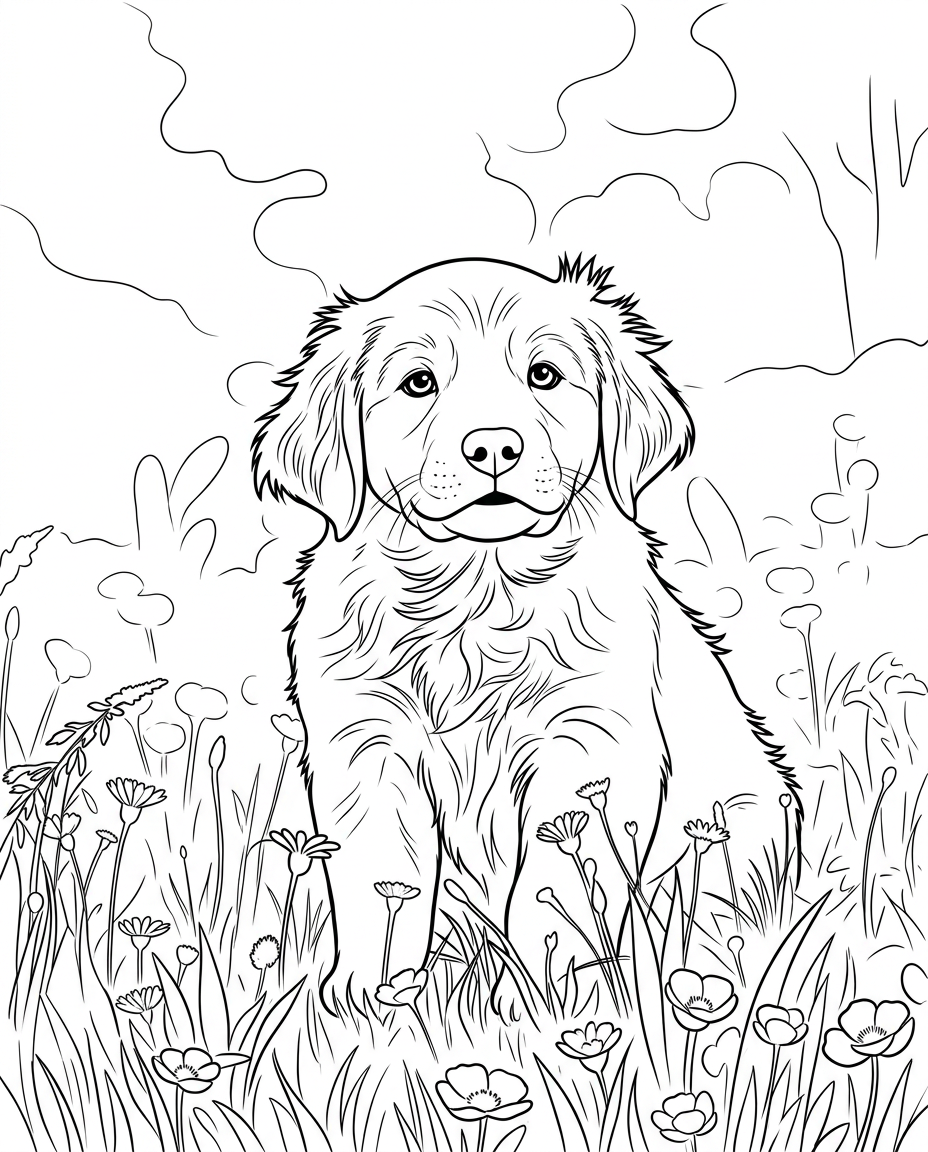
To turn a photo into a coloring page, open Colora, drop in a clear well-lit photo, choose a line style (clean, detailed or kid-friendly), pick A4 or US Letter, and press Transform. Download the print-ready PNG and print it — the whole process takes under a minute, with no prompt needed, and your first page is free to try.
Turning a photo into a coloring page used to mean fiddling with filters in photo-editing software or writing prompts for a general AI image tool. Neither is necessary anymore.
Colora is built for exactly this one job: it reads the meaningful contours in your photo and redraws them as clean black-and-white outlines that print sharp on plain paper. You stay in control of the line style and paper size; everything else is automatic.
This guide covers the three steps, plus how to pick a photo that gives the best result and how to print it at home.
Drop a photo and go — no prompt engineering or settings to tune.
Make one creation free without an account, then sign in for 3 free credits.
Full A4 or US Letter resolution, crisp on any home printer.
Drag a JPG, PNG, WebP or GIF into the Colora studio, or click to browse. Up to 8 MB.
Choose clean, detailed or kid-friendly, then A4 or US Letter, and press Transform.
Download the high-resolution PNG, print it on standard paper, and grab the pencils.
Crisp, even outlines. The all-rounder — works for faces, pets, places and props.
Finer line work and more interior detail. Made for slow, meditative coloring sessions.
Bold, thick outlines and simplified shapes. Easy to fill in with crayons or chunky markers.
A photo of your dog or cat becomes a coloring page in seconds.
Turn portraits into keepsakes the whole family can color.
Make instant, personal activity sheets for rainy days.
Generate a stack of unique pages without subscriptions.
Got a photo ready? Open the Colora studio and generate your first page in under a minute.
Small choices in your source photo make a big difference in the final coloring page.
Crop close so your subject dominates the photo. Small subjects become tiny, hard-to-color details.
Diffused daylight gives clean contours. Harsh shadows can turn into messy blobs.
A plain wall, sky or floor helps the outline focus on your subject.
Sharp, unedited photos make the cleanest line art. Blur and beauty modes confuse the result.
Kids for crayons, Clean for most people, Detailed for adult coloring and gel pens.
Everything plays nicely with what you already have at home.
Plain 80–120 gsm copy paper for pencils; 160 gsm cardstock for markers.
Coloured pencils are forgiving; crayons suit kids; markers give bold results on cardstock.
Print at 100% scale, black and white, high quality. A4 or US Letter both work.
A growing library of ready-made, print-ready coloring pages — animals, nature, vehicles and seasonal themes. Free to download.
The fastest way to turn any photo into a printable page.
Dogs, cats and every furry friend, drawn from your photo.
Every breed, drawn from your own dog's photo.
Curled up or mid-pounce — your cat as line art.
Bold, simple outlines made for little hands.
Selfies and family photos as clean portraits.
Still curious? Try Colora free — one creation is free to try, with print-ready A4 or US Letter PNGs.
Open the studio, drop in a photo, and follow the three steps. It's free.
Open the studio