01
Drop a photo
JPG, PNG, WebP or GIF up to 8 MB. Camera roll friendly.
No prompts, no settings to tune. Drop a photo, pick a style, and let Colora's AI draw a clean coloring page for you.
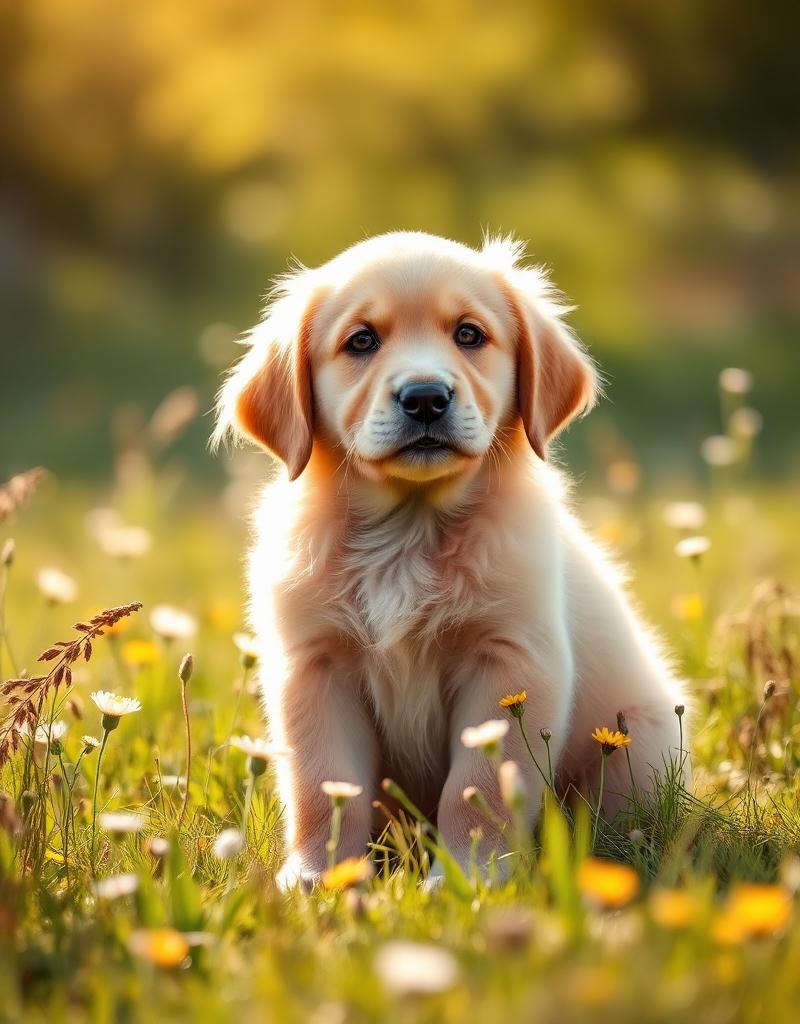
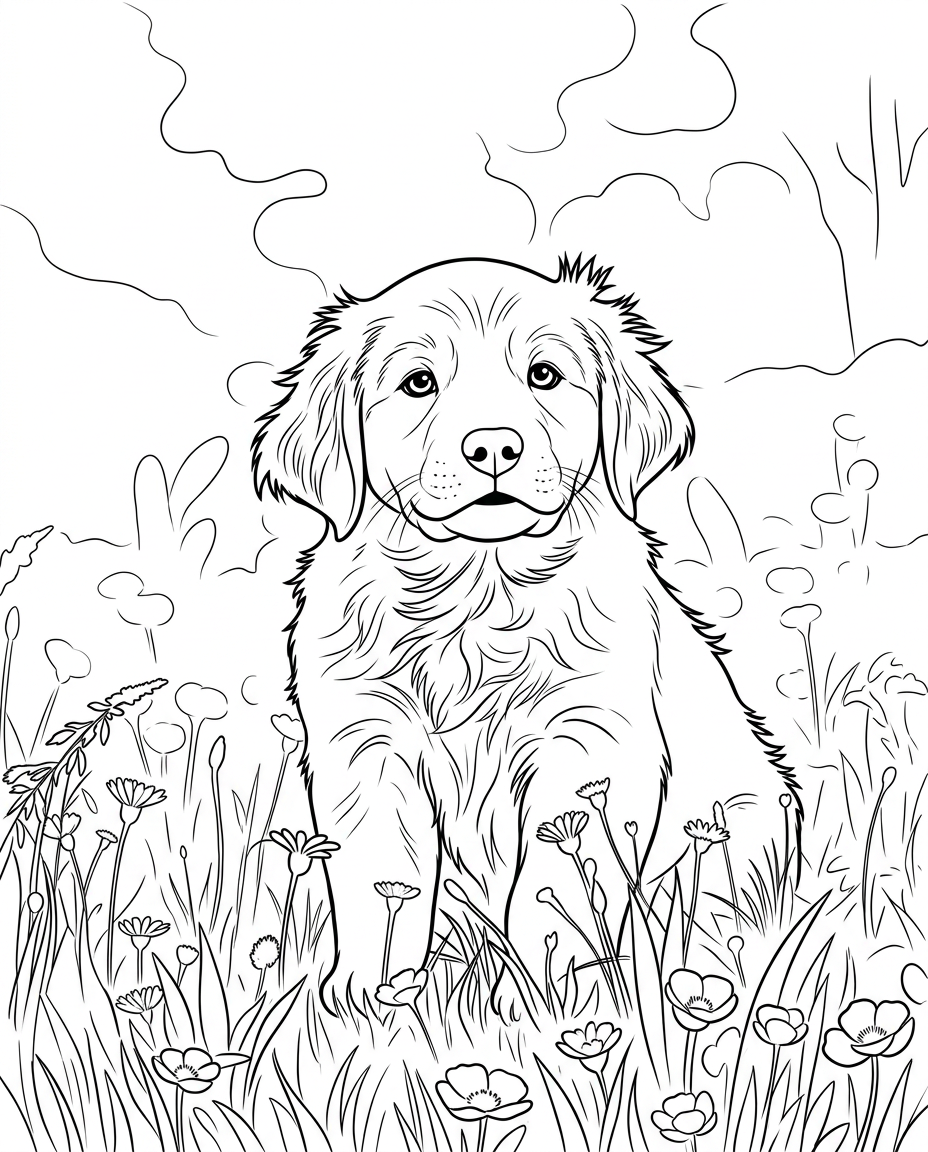
Most AI image tools want you to be the art director — write a prompt, pick a model, tune a slider, regenerate, repeat. That's fun for some things; it is not fun when you just want a coloring page of your dog before bedtime.
Colora flips the model. The AI is hidden behind a single button. You bring a photo, it draws a clean black-and-white coloring page. No prompt, no model picker, no upscaler — just a print-ready PNG.
Under the hood it's a purpose-built pipeline: a vision model reads the shapes in your photo, a line-art model translates them into outlines, and a final pass cleans the result so it prints crisp on plain paper.
No prompt engineering, no negative prompts, no settings to tune. One button, one result.
The AI follows your photo. Your subject stays recognisable instead of becoming generic AI art.
Photos are processed for your page and not used to train anything. Your uploads are yours.
JPG, PNG, WebP or GIF up to 8 MB. Camera roll friendly.
Clean, detailed or kid-friendly — the AI adapts to your choice.
Get a high-res PNG sized for A4 or US Letter, ready for the printer.
Crisp, even outlines. The all-rounder — works for faces, pets, places and props.
Finer line work and more interior detail. Made for slow, meditative coloring sessions.
Bold, thick outlines and simplified shapes. Easy to fill in with crayons or chunky markers.
Need a coloring page in the next two minutes? Drop in, download out.
AI keeps the likeness of pets, faces and places intact.
Detailed mode adds fine line work for slower, meditative coloring.
Kids mode keeps lines bold and shapes simple for little hands.
Got a photo ready? Open the Colora studio and generate your first page in under a minute.
Small choices in your source photo make a big difference in the final coloring page.
Phone snapshots beat screenshots, paintings or other AI-generated images. The AI is tuned for real-world photos.
One main subject per photo. The AI focuses where you focus — collages and crowded scenes can dilute the result.
Heavy filters, cartoon effects and beauty modes confuse the line-art model. Raw camera photos work best.
Detailed for adult colorists and gel pens, Clean as the default all-rounder, Kids when crayons are involved.
If the page feels off, try cropping tighter on the subject and running again. It's free and takes seconds.
A growing library of ready-made, print-ready coloring pages — animals, nature, vehicles and seasonal themes. Free to download.
The fastest way to turn any photo into a printable page.
The step-by-step guide, from photo to printed page.
Dogs, cats and every furry friend, drawn from your photo.
Every breed, drawn from your own dog's photo.
Curled up or mid-pounce — your cat as line art.
Bold, simple outlines made for little hands.
Still curious? Try Colora free — one creation is free to try, with print-ready A4 or US Letter PNGs.
Free, instant, no prompt engineering. Your photo becomes a coloring page in seconds.
Open the studio